
RigVerse
iPhone app

Your whole rig, in your pocket.

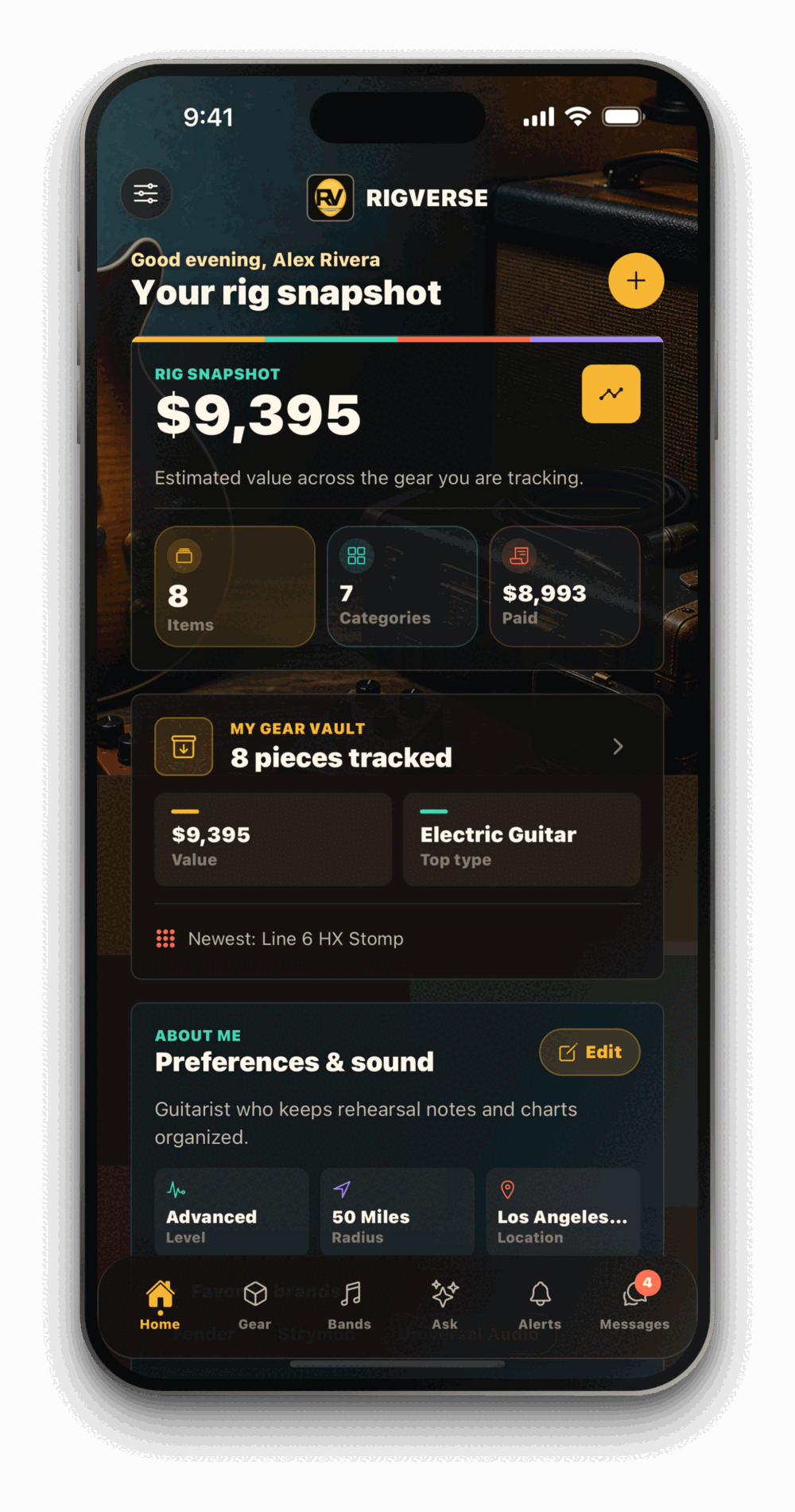
Photograph a pedal in the shop and it is in your vault before you leave. Every instrument, amp and cable you own — with what you paid, what it is worth, the serial number and when it was last serviced — plus your band's rehearsals and the questions you need answered.

In review with Apple — TestFlight now, App Store shortly
RigVerse on iPhone showing a rig snapshot worth $9,395 across 8 pieces of gear
On the phone

Six things it does, in the order you meet them

The numbers are the tabs along the bottom of the app — this is the app itself, laid out flat.

01 · Gear
Gear vault

Every piece, with its paperwork attached

Add an instrument with the camera and it keeps everything you will need later: photos, brand, model, year, condition, what you paid, the serial number and the receipt.

  • Photos and receipts on the item itself
  • Serial numbers you can find in ten seconds
  • Setups, re-tubes and repair costs kept as history
02 · Value
Valuation

A range you can hand to an insurer

Ask what a piece is worth and you get a span built from comparable sales with a midpoint — plus how many sales it drew on. Every estimate is reviewed before it reaches you.

  • A range and a midpoint, never a lone confident number
  • States its comparables and its date
  • The figure insurers actually ask for
03 · Bands
Band room

The details a band keeps losing

Rehearsal times, load-in, set lists, charts and the one PDF nobody can find. Create a room, invite the members, stop re-sending screenshots the night before a show.

  • Rehearsals and shows with load-in times
  • Set lists and charts everyone can reach
  • Invite-only — no strangers in the room
04 · Ask
Ask the community

Questions answered against your actual rig

Post with photos, an audio clip of the problem and the exact pieces from your vault attached, so people answer the setup you have rather than the one they assume.

  • Attach gear straight from the vault
  • Record a clip when words will not do it
  • Answers that address your signal chain
05 · Alerts
Price alerts

Told when the gear you want moves

Watch a model and hear about it when the price shifts, so you are not refreshing listings — and so you know whether the one in front of you is a fair price.

  • Watch models you are saving for
  • Movement on gear you already own
  • Quiet by default — you choose what is worth a buzz
06 · Messages
Messages

Private, and yours to shut down

Talk to bandmates and people who answered your question. Every thread carries Report and Block, and blocking is enforced on our servers — not just hidden on your screen.

  • Report or block from any thread
  • Blocked people cannot reach you at all
  • Photos and clips served over short-lived private links
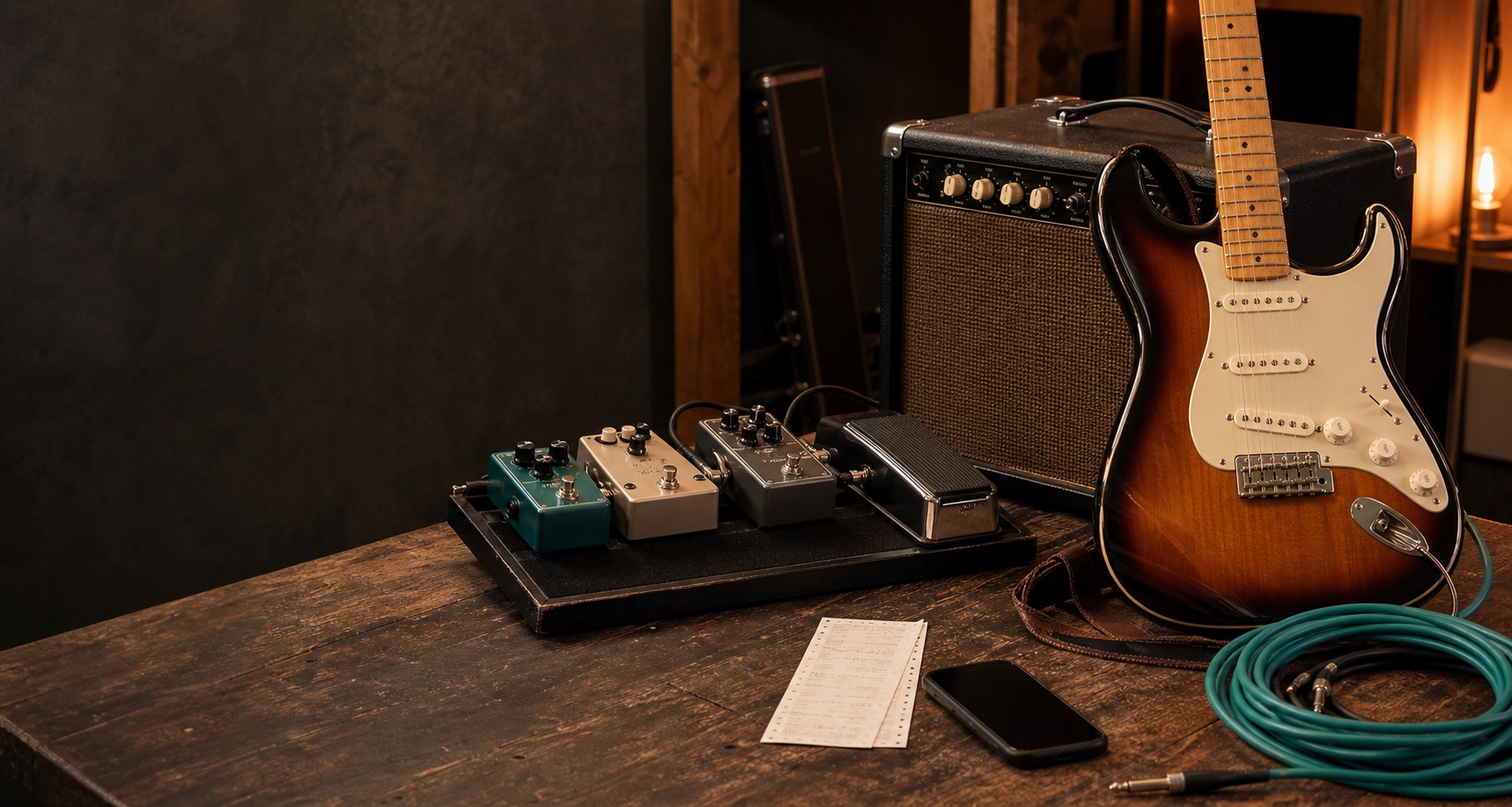
A Stratocaster, combo amp, pedalboard and phone on a workbench
Photograph it on the bench, it is in the vault before you pack up
Getting started

Three minutes to a useful vault

01

Add one piece.

Start with the thing you would be most upset to lose. Photo, model, what you paid.

02

Let it fill in.

Add the rest as you go — the app is more useful at ten items than one, and it never asks for everything at once.

03

Bring the band in.

Create a band room, invite the members, and put the next rehearsal somewhere everyone can see it.

Your full workspace is at rigverse.net

Same account and same gear, with desktop space for band rooms, multiple Studio projects, stem separation, and the full mixer.

Open rigverse.net
Coming to the App Store

Be there on day one

The iPhone app is with Apple for review. Until it lands, the web version has everything except the camera.

Start on the web